


Stay Productive While Working From Home with Expert Tech Support
- Thomas Parsons
- Feb 2
- 3 min read

Working from home offers flexibility and comfort, but technical problems can quickly disrupt your workflow. Missing meetings due to WiFi drops, computer freezes during important calls, or printer issues before deadlines can cause frustration and lost productivity. These challenges are common but avoidable with the right support.
Professional tech help can keep your home office running smoothly, so you stay focused on your work without interruptions. Here’s how expert tech support can solve common problems and improve your home workspace.

Fixing Network Issues for Reliable Connectivity
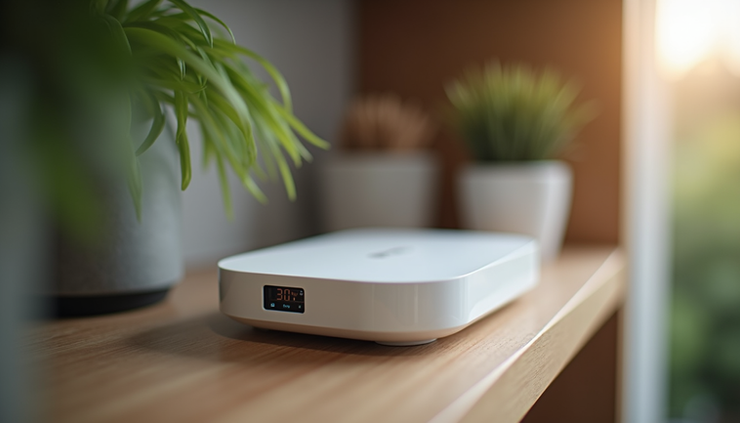
A stable internet connection is the backbone of any home office. Slow or dropping WiFi can cause missed meetings and delays in communication. Many homes have routers placed in less-than-ideal spots, or outdated equipment that cannot handle multiple devices.
Professional tech support can:
Assess your current network setup and identify weak spots
Recommend and install WiFi mesh systems to cover dead zones
Optimize router placement for stronger signals
Configure network settings for better speed and security
For example, a St. Johns County professional recently upgraded to a mesh WiFi system, eliminating dead zones in their home and ensuring smooth video calls throughout the day.
Setting Up Video Conferencing Without Stress
Video calls are essential for remote work, but poor setup can cause frustration. Problems like unclear audio, frozen video, or difficulty joining meetings waste valuable time.
Tech experts can help you:
Configure popular platforms like Zoom and Microsoft Teams
Set up quality microphones and cameras for clear communication
Troubleshoot connection issues before important calls
Train you on useful features like screen sharing and recording
This support means you can join meetings confidently, knowing your tech will work as expected.
Enhancing Productivity with Dual Monitors
Using two screens can boost productivity by allowing you to view multiple documents or applications simultaneously. However, setting up dual monitors can be confusing if you’re unfamiliar with display settings or hardware compatibility.
Tech support services include:
Connecting and configuring dual monitors for your computer
Adjusting display settings for optimal resolution and layout
Advising on the best monitor types for your needs
One client found that after setting up dual monitors, they completed tasks 30% faster because they no longer had to switch between windows constantly.
Installing Cloud Backup Solutions for Data Safety
Losing important files due to hardware failure or accidental deletion can be devastating. Cloud backup solutions protect your data by automatically saving copies online.
Professional tech support can:
Set up cloud backup services tailored to your needs
Ensure backups run regularly without interrupting your work
Help you restore files quickly if needed
This peace of mind lets you focus on your work without worrying about losing critical documents.
Strengthening Cybersecurity Basics
Working from home increases exposure to cyber threats. Without proper security, sensitive information can be at risk.
Tech experts provide:
Guidance on strong password creation and management
Installation of antivirus and firewall software
Tips on recognizing phishing emails and scams
Secure WiFi network setup to prevent unauthorized access
By following these steps, you protect your work and personal data from common cyber risks.

Ongoing Support with Monthly Tech Care Packages
Technology needs can change, and new issues may arise. Monthly tech care packages offer ongoing support to keep your home office running smoothly.
Benefits include:
Regular system checkups and updates
Priority response for urgent tech problems
Assistance with new device setup or upgrades
Personalized advice to improve your workspace
This service helps you avoid downtime and maintain productivity throughout the year.
If you live in St. Johns County and want fast, reliable tech support for your home office, professional help is just a call or email away. For $99, you can get expert assistance with network optimization, video conferencing setup, dual monitors, WiFi mesh installation, cloud backups, and cybersecurity basics.
Contact now:
📱 850-943-5857
📧 aditechfl@gmail.com
Ask about monthly Tech Care packages for ongoing support and keep your home office running without interruptions.


Comments